WinRAR
WinRAR is an effective tool for compressing, archiving, and sharing files
Safe & Secure
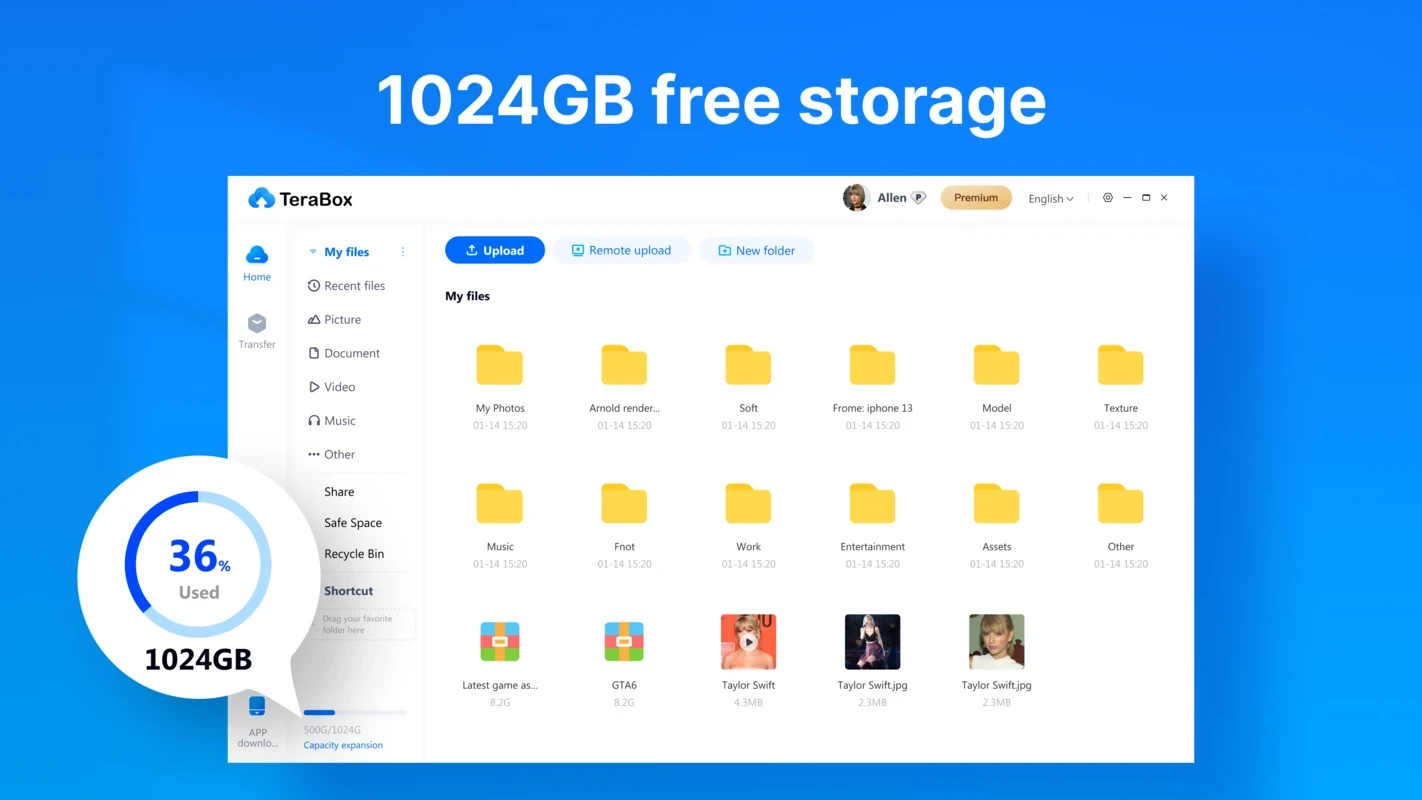

TeraBox is a free cloud storage service that is used for storing and managing your digital content online. It offers 1TB of cloud storage for free to store digital content, including photos, documents, videos, and so on. It gives quick access to your stored content without any need to download it.
The tool, similar to other cloud storage, also supports remote uploading while using different methods such as video link, BitTorrent files, or magnet links. It makes your data safe while offering multiple options such as creating a backup, syncing, accessing, and sharing with others.
Download TeraBox APK for Android
TeraBox, developed by Flextech Inc., is a powerful cloud storage provides the best alternative to multiple cloud storage services such as Mega.nz, Google Drive, and so on. It is a cross-platform utility and offers compatibility for different operating systems. It is simple to use, free, and safe.
The innovative cloud service allows users to get a backup of their audio/videos automatically, and the storage capabilities are awesome, such as you can store up to 400,000 images, 51,200 1-minute video files, and 6.5 million documents as well.
The app offers seamless compatibility for multiple digital devices and enables users to log in from multiple devices simultaneously using the same account. The supported devices are Windows PCs, tablets, laptops, iOS, and Android as well.
The app offers a free version along with a paid version, and you can easily get a smart storage space up to 1024GB (1Terabyte) to store your data without any bother of going to the paid version. You can upload around 400,000 photos, 51200 minutes, and 6.5 million documents, and access them without downloading to your local machine.
You can easily and quickly take a preview of your data before you download it to your local device. It helps to save your time and bandwidth, as it supports multiple formats while enabling you to easily access your multimedia files. It also eliminates the chances of unnecessary downloads to streamline the user experience while saving your device’s storage, and enables you to watch your photos and videos without downloading them.
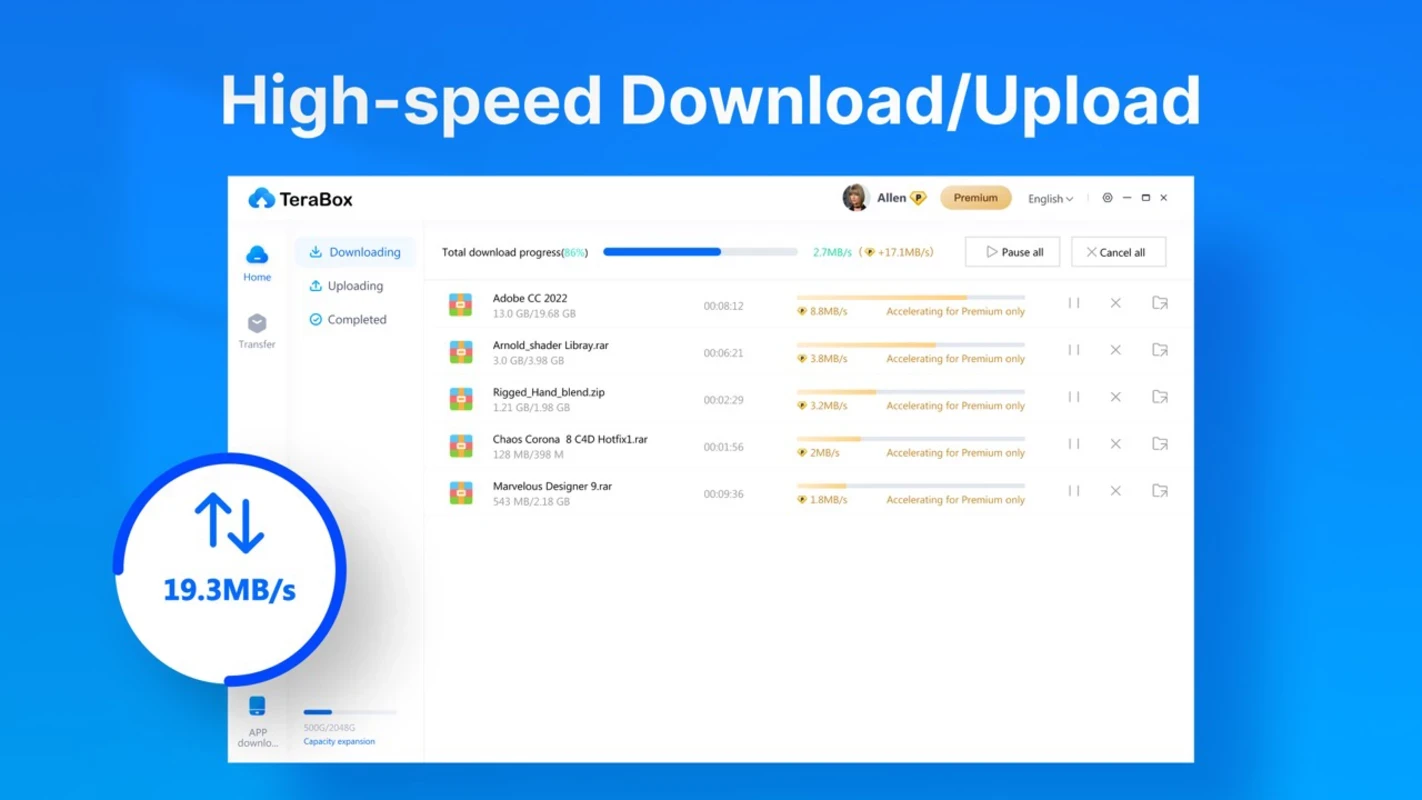
The app offers with next-level user experience while offering remote uploading. You will find multiple options to upload your data, such as video links, magnet links, or BitTorrent files, etc, and the entire data will be sent right to your TeraBox account. You are capable of sending up to 20MB of data per second using your web browser. The tool with seamless accessibility is highly integrated with external content for facilitating to facilitate your cloud storage.
The built-in video player helps to avoid the frustration of downloading a third-party video player, and the support for multiple file formats enables users to watch their visual content right on the cloud. The flexibility of personalizing the playback enables users to select picture definition and play speed according to their preferences and network connectivity.
The file sharing process is smooth, as you can use your email address or use the copy/paste option for links, and share your content with your friends and other related people. You can manage your files while customizing the link within the selected validity period. The sharing of files is foolproof, regardless of whatever type of content you are sharing, personal or professional.
The advertisement is one of the important elements for earning online revenue, and most websites use ads to get funds. On the platform, you will enjoy an ad-free environment, but the feature is part of the premium version. It helps to maximize your downloading speed and makes your privacy and safety foolproof.
No need to create your backup manually, instead enjoy the automated backup with safety for your stored content. You can save your data from accidental loss while organizing your folders for automatic backup. In this way, your data, such as photo collections, media projects, or educational files, will be consistently protected.
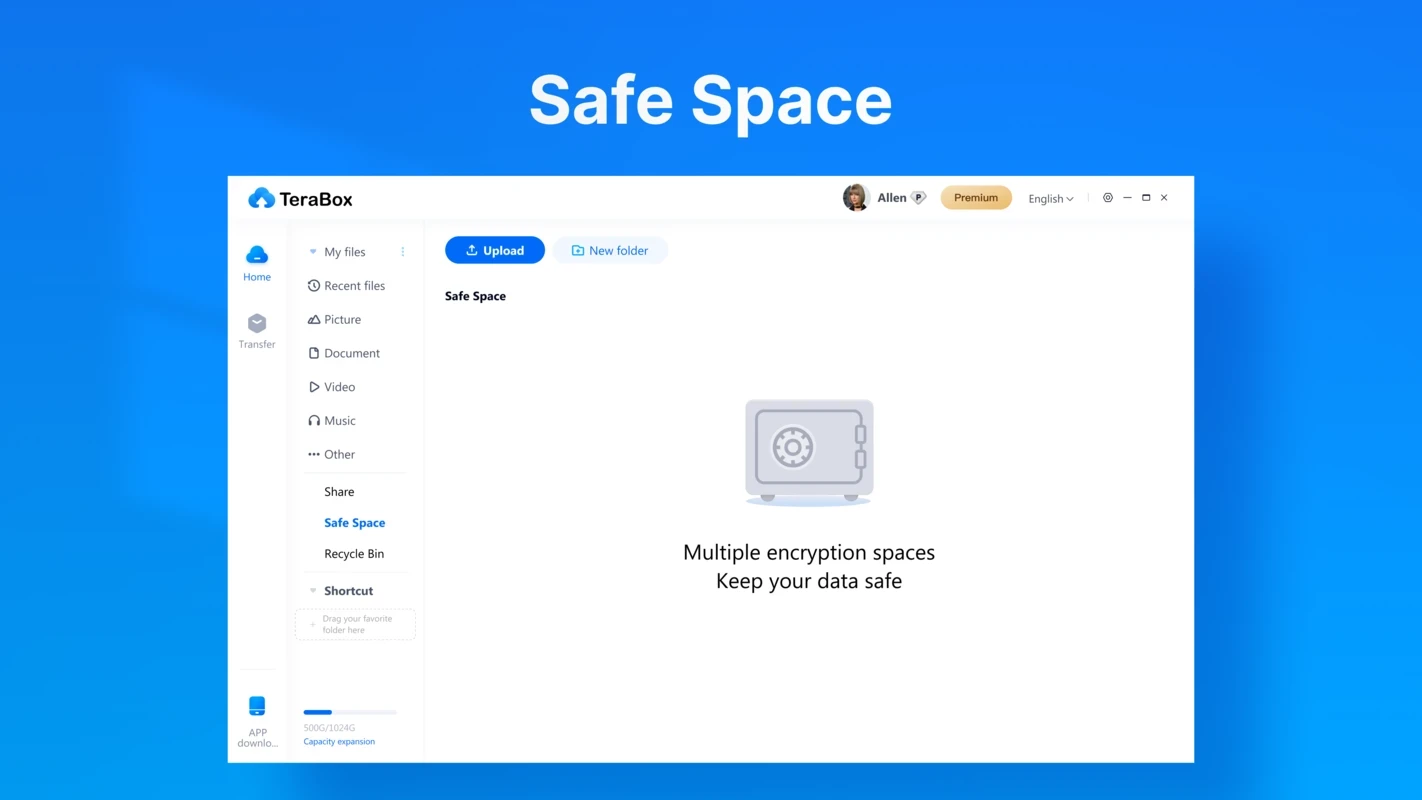
It is another key feature that offers an extra layer of safety and allows users to store their private or crucial data within password protection. You can enhance your security and privacy, and confidentiality for your stored data. Moreover, it offers protection from malware, viruses and prevents unauthorized access.
The app offers offline services, and there is no network connectivity for accessing your files. It is possible to enable login protection, and you can log in even while traveling to a new location, as the app will transfer your data safely using TLS and SSL encryption.
Pros
Cons

WinRAR is an effective tool for compressing, archiving, and sharing files

7-Zip, compress, and decompress files with support of multiple formats

Cloud Storage managing App of files with Mega.nz

Google Drive is a cloud-based storage for managing, syncing, and sharing your files across multiple devices